
Chrome Certificate Fix for Evolve
This is a quick guide for if you experience a certificate error while accessing Evolve for the Flex portal registration.
Certificate Error and How to Fix it
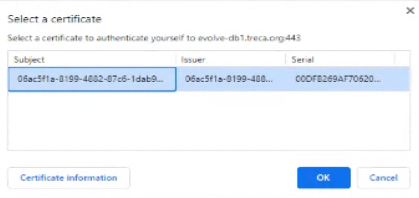
The certificate error will look like the picture below.
In Chrome, click the 3 vertical dots in the upper-right corner below the X.

Click Settings. In the search bar, type Certificate. Click Security.
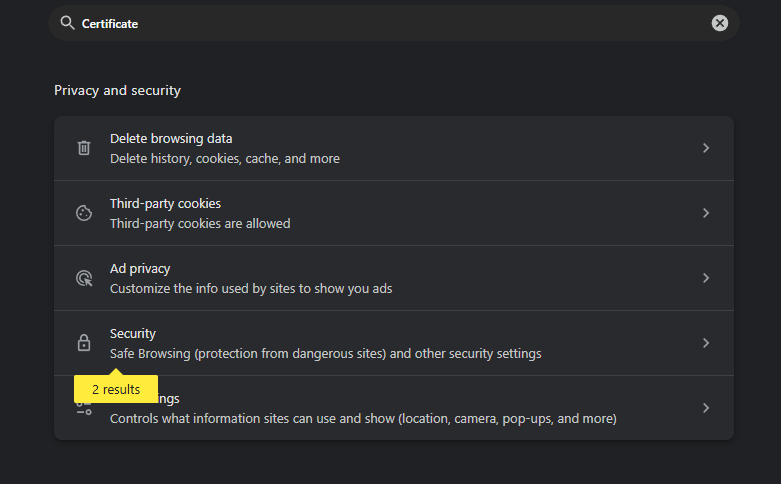
Click Manage Certificates.

Select the certificate listed. Click Remove.
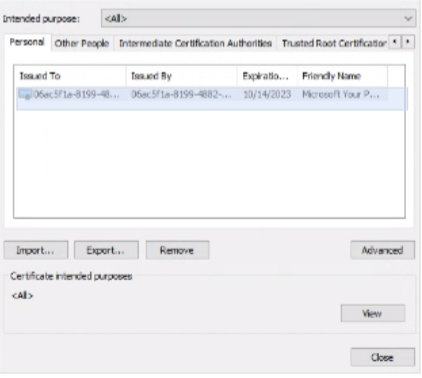
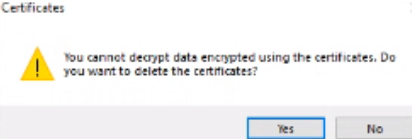
Click Yes to confirm deleting the certificate.
Close Chrome and then open it back up. Evolve should now work.